CAD-ERP Integration Checklist: What to Look for in a CAD-ERP Tool
A CAD-ERP integration checklist helps manufacturers evaluate tools that connect engineering and production systems. Without a structured evaluation process, teams risk choosing solutions that don’t support bidirectional data flow, scale with complex assemblies, or meet compliance requirements. This guide provides a practical checklist of criteria to assess before selecting an integration tool.
CAD-ERP Integration Checklist Key Takeaways
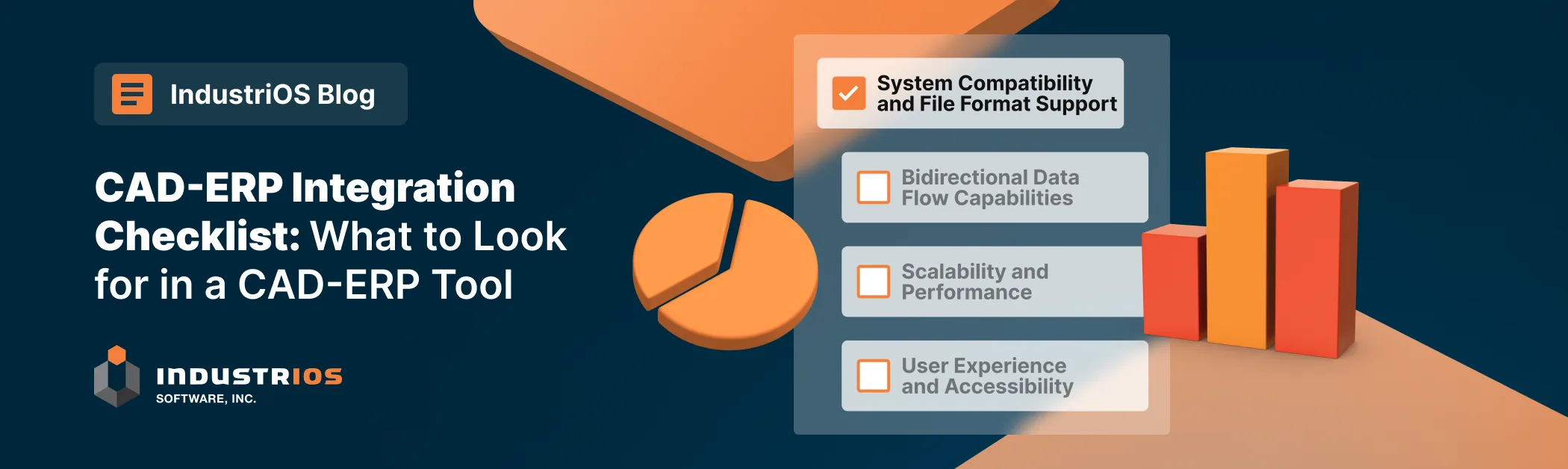
- A CAD-ERP integration checklist should cover system compatibility, bidirectional data flow, scalability, user accessibility, security, and cost.
- Prioritize tools that support your specific CAD and ERP platforms without custom coding and can handle complex BOM hierarchies.
- Look for role-specific interfaces, conflict resolution rules, and audit-ready logging to support both engineering and production teams.
- Evaluate implementation timelines and pricing structures upfront to avoid scope creep and hidden costs.
Efficient data flow between engineering and production systems helps manufacturers reduce errors and delays. With many integration tools available, selecting the right one requires a clear evaluation process. Below is a practical CAD-ERP integration checklist to guide your decision, along with insights into IndustriOS’ exploration of potential CAD integration solutions.
CAD-ERP Integration Checklist
Selecting an integration tool requires careful evaluation of how it aligns with your technical and operational needs. Below are critical criteria to assess, with practical examples of functionality to prioritize:
1. System Compatibility
- Direct support for your CAD software (SOLIDWORKS, CATIA, etc.) and ERP platform (SAP, Oracle, etc.) without custom coding.
- Handling of proprietary CAD file formats and complex BOM hierarchies.
- Example: A tool that automatically translates SOLIDWORKS assemblies into SAP-compatible BOMs.
2. Bidirectional Data Flow
- Automated synchronization of changes between CAD and ERP in both directions.
- Rules-based conflict resolution (e.g., engineering owns part dimensions; production controls lead times).
- Example: Material cost updates in ERP automatically reflect in CAD metadata.
3. Scalability
- Consistent performance with assemblies exceeding 10,000 components.
- Support for multi-site or multi-language workflows.
- Example: A global manufacturer syncs CAD data across factories in the U.S., Germany, and Japan.
4. User Accessibility
- Role-specific interfaces (engineers modify designs; planners update ERP schedules).
- Intuitive tools requiring ≤4 hours of training.
- Example: Drop-down menus in CAD software for ERP field mapping.
5. Security & Compliance
- Granular permissions (e.g., engineers can’t edit ERP cost data).
- Audit logs tracking user, timestamp, and change details for ISO/FDA audits.
- Example: Full traceability of a medical device’s design-to-production history.
6. Cost & Implementation
- Implementation completed in ≤8 weeks for standard deployments.
- Clear pricing structure with line items for licensing, training, and annual maintenance.
- Example: A $50k upfront cost covering setup and first-year support.
Exploring Potential CAD Integration Solutions
IndustriOS is actively evaluating CAD-ERP integration tools to ensure optimal alignment with manufacturing requirements. While specific solutions are under review, the focus remains on identifying partners that offer robust capabilities across all key evaluation criteria outlined above.
Potential solutions are being assessed for their ability to provide seamless system compatibility, bidirectional data flow, scalability, user-friendly interfaces, stringent security measures, and cost-effective implementation timelines. The goal is to select an integration partner that can evolve alongside IndustriOS’ business needs while driving operational efficiency.
How INDUSTRIOS Approaches CAD-ERP Integration
INDUSTRIOS is actively evaluating CAD-ERP integration tools to ensure alignment with manufacturing requirements. Using the same CAD-ERP integration checklist criteria outlined above, potential solutions are being assessed for system compatibility, bidirectional data flow, scalability, usability, security, and cost-effective implementation. The goal is to select an integration partner that can evolve alongside INDUSTRIOS while driving operational efficiency across engineering and production.
Final Thoughts on CAD-ERP Integration Checklist
When evaluating CAD-ERP integration tools, look beyond basic technical compatibility to consider the complete integration lifecycle. The right solution should not only connect your systems today but also adapt as your business grows over time.
Successful implementations occur when organizations view CAD-ERP integration not merely as a technical project but as a strategic initiative to improve cross-functional collaboration. With the right evaluation framework and integration partner, manufacturers can transform disconnected systems into a unified product development ecosystem that drives competitive advantage.
By prioritizing these criteria and exploring diverse options in the market, IndustriOS aims to establish a future-proof solution that bridges the engineering-production divide effectively—empowering manufacturers to achieve greater accuracy, efficiency, and innovation in their workflows.